The opening page of the Irrigania game looks as following:
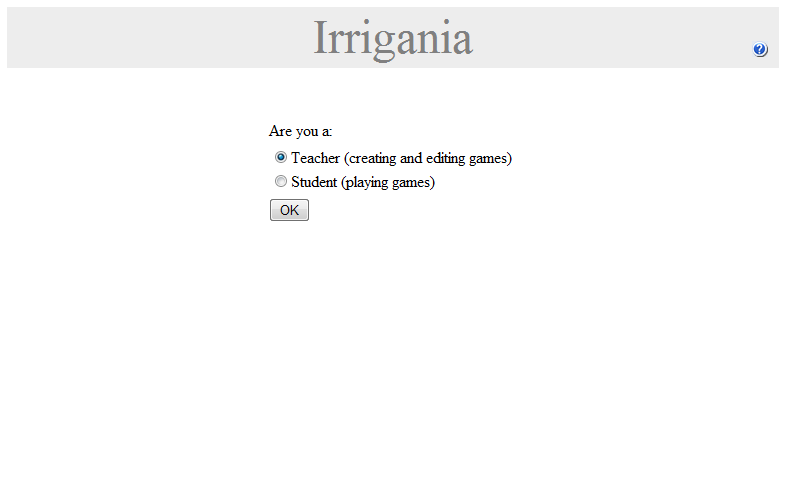
If you are a teacher who wants to setup a new game or change settings for an existing game, select the Teacher option. If you are a student who wants to play the game, select the Student option. Click the OK button. Depending on your choice either the Teacher Login or the Student Login form opens.
Teacher login
The teacher login page looks as following:
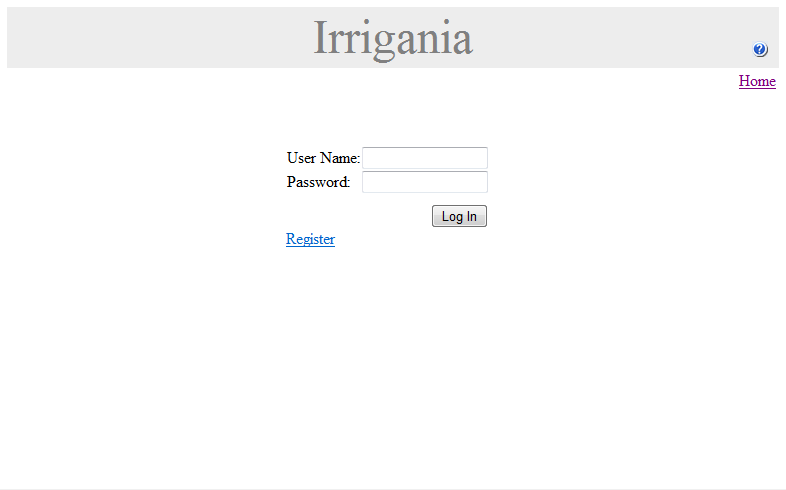
If you have a teacher login/password already, you can login, which will link you to the Teacher Menu page. In case you are new to Irrigania, click the 'register' button. Since the functionality to create a teacher login is password protected, a page opens where you will be asked for the admin password:
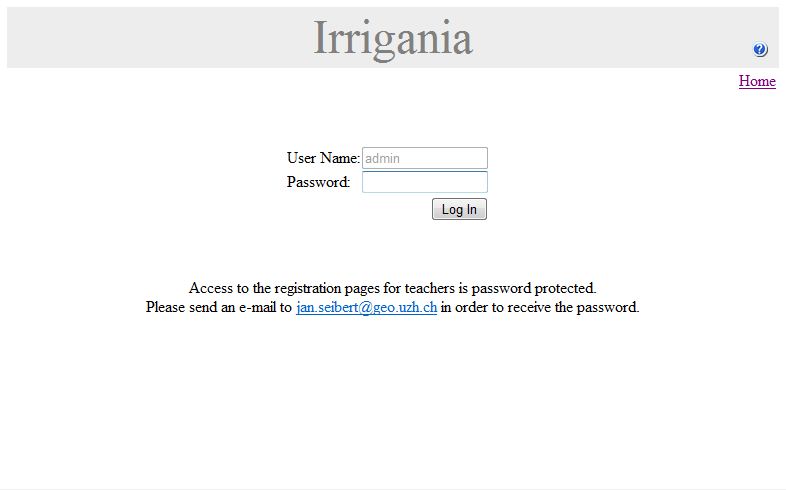
The admin password can be requested by sending an e-mail to jan.seibert@geo.uzh.ch. After logging in as admin, a page opens where you can enter a username and password for your new teacher account:
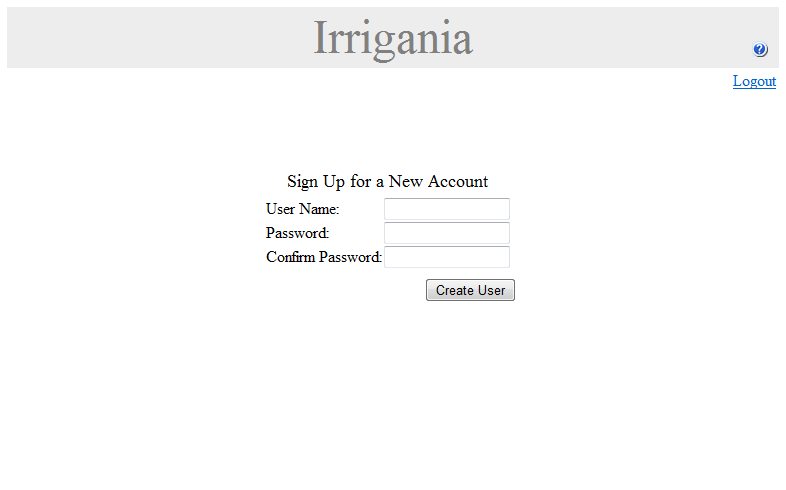
After the new login has been succesfully created, you will be forwarded to the Teacher Login page.
Student login
The student login page looks as following:
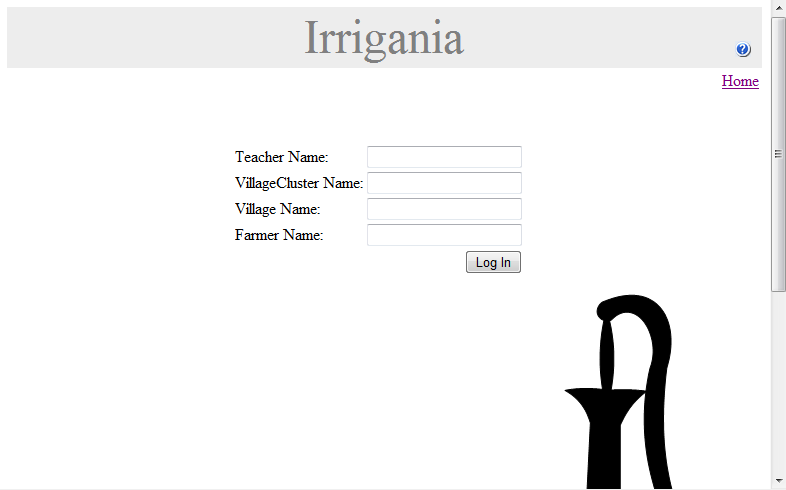
Ask your teacher for the login details. After logging in succesfully, you will enter the Game.